

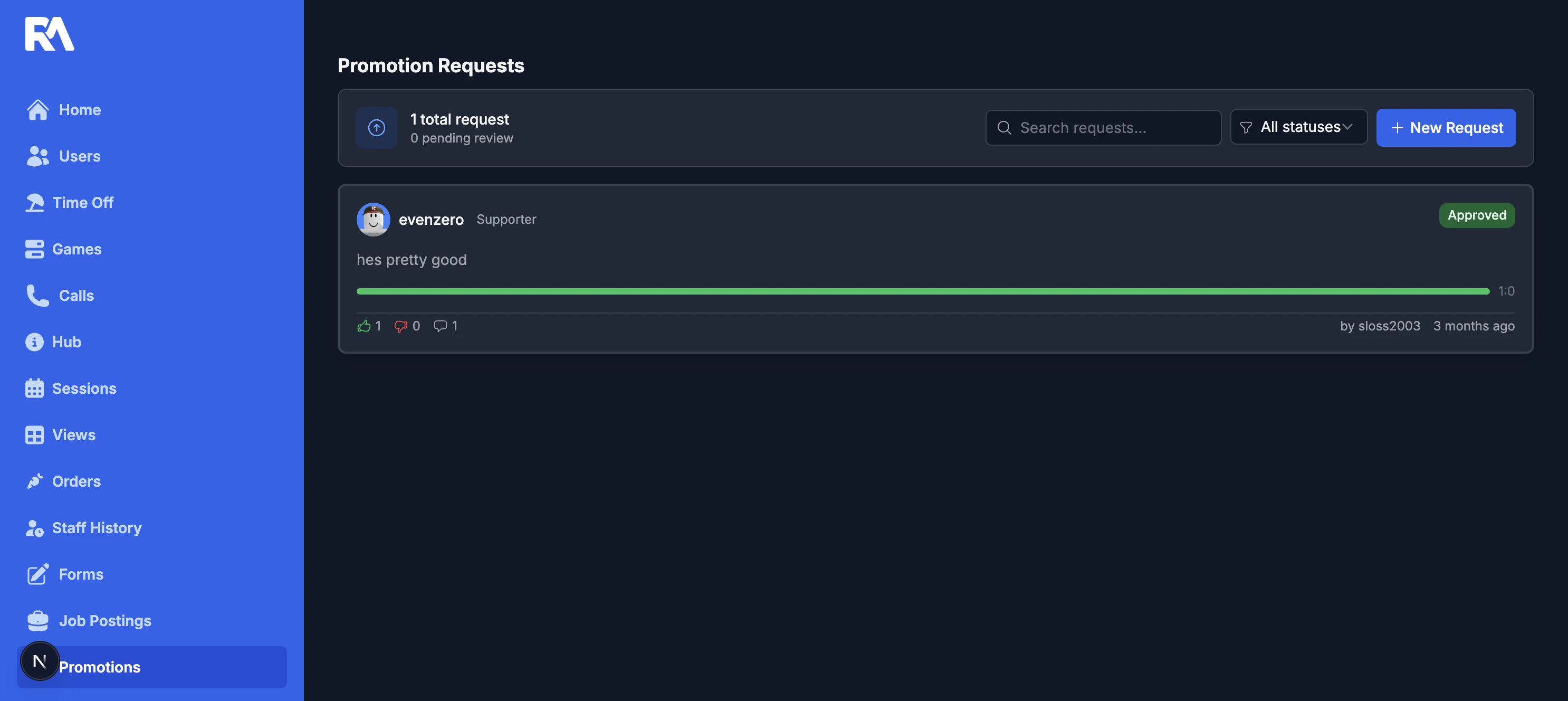
Request lifecycle
- Create a request for a user and target role.
- Add reason and optional evidence.
- Team members vote support or oppose.
- Track comments and final status (pending, approved, declined).
Tools in this page
- Status filter and text search.
- Vote summary and ratio bar.
- Direct links into each request thread.
Reviewing a request
Open any request to turn a recommendation into a decision. Everything you need lives in one thread:- See the requested user, their current role, and the target role.
- Review the reason and attached evidence.
- View the vote breakdown and vote timeline.
- Follow all comments in chronological order.
Decision actions
- Support or oppose with required comment context.
- Add discussion comments and attachments.
- Approve or decline (manager/admin permissions).
- Optionally auto-rank the member on approval when ranking integration allows it.
- Delete a request (permission-based).