

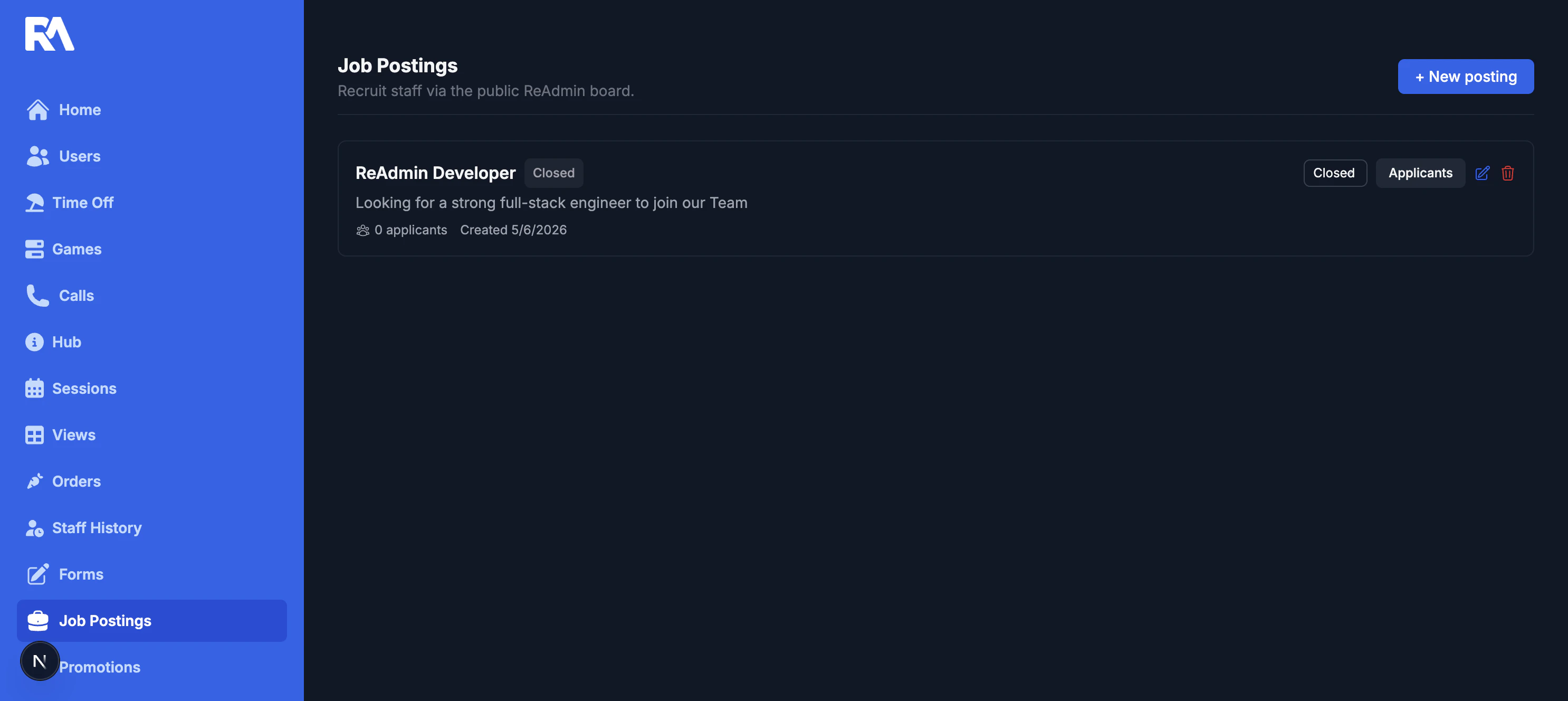
Managing postings
- Create a new posting from the workspace dashboard.
- Set posting status to Active, Paused, or Closed.
- Review applicant counts and posting visibility.
- Open applicant lists per posting.
- Edit or delete postings (permission-based).
Editing a posting
Open a posting to fine-tune its content and visibility from one place:- Update title, summary, description, requirements, tags, and compensation.
- Configure visibility and opening/closing windows.
- Save changes to update the active posting instantly.
Managing applicants
Each posting is also your hiring command center. Move applicants through your pipeline without ever leaving the page:- Filter applicants by status.
- Review submission source and applicant profile context.
- Open a linked resume or application-response records when available.
- Move applicants through statuses: pending, reviewing, accepted, and rejected.
Permissions
- Manage posting content and status: admin or posting manage permission.
- View applicants: admin or posting applicant-view permission.