> ## Documentation Index
> Fetch the complete documentation index at: https://docs.readmin.app/llms.txt
> Use this file to discover all available pages before exploring further.
# Create ReAdmin Account
> Welcome to ReAdmin!
# Account Setup
New users who wish to use ReAdmin must login through Roblox.
1. Visit [https://readmin.app](https://readmin.app) and click on "Get started," or "Login" on the top right.
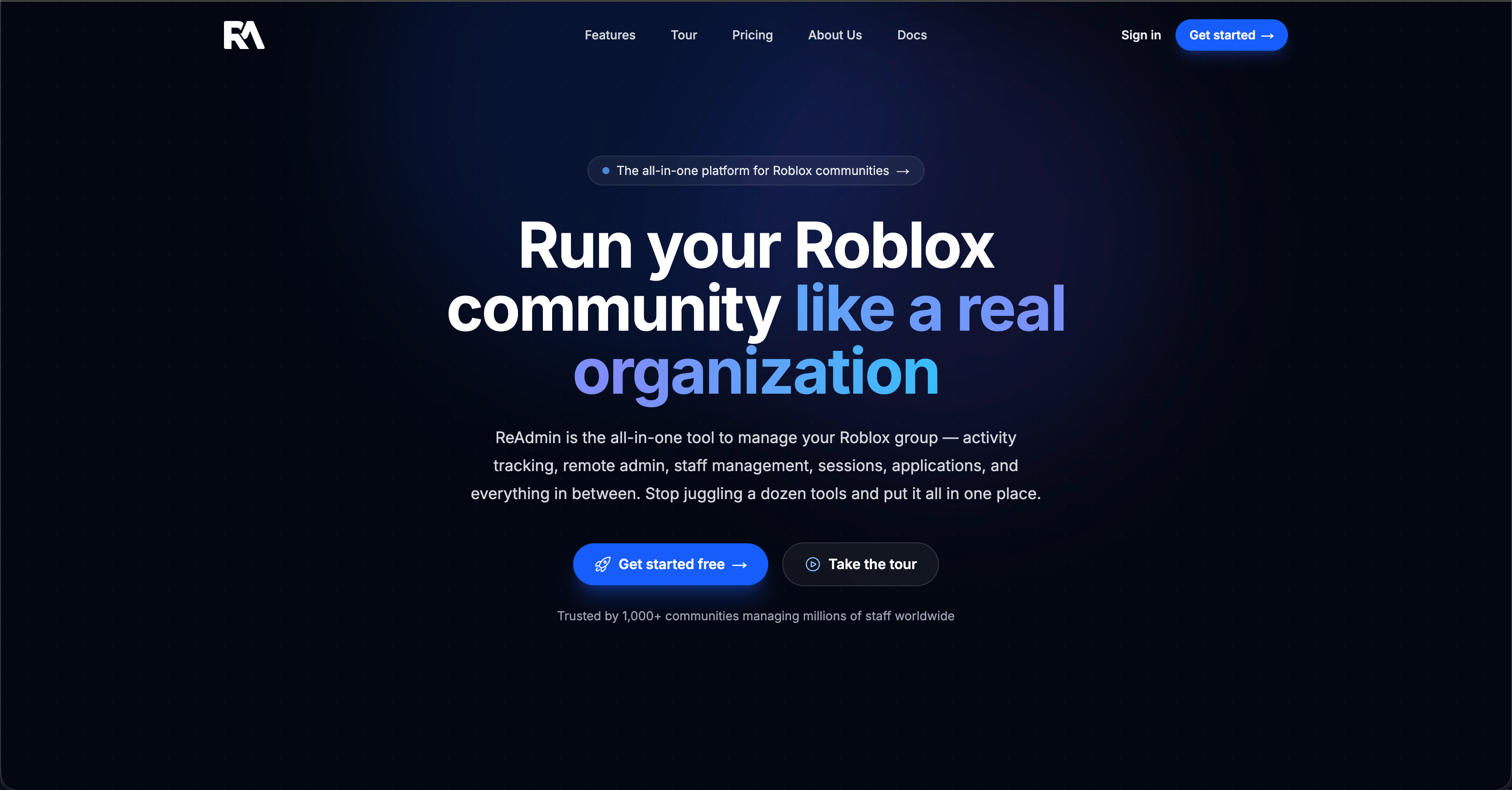 2. Visit [https://panel.readmin.app](https://panel.readmin.app) and click on "Get started," or "Login" on the top right.
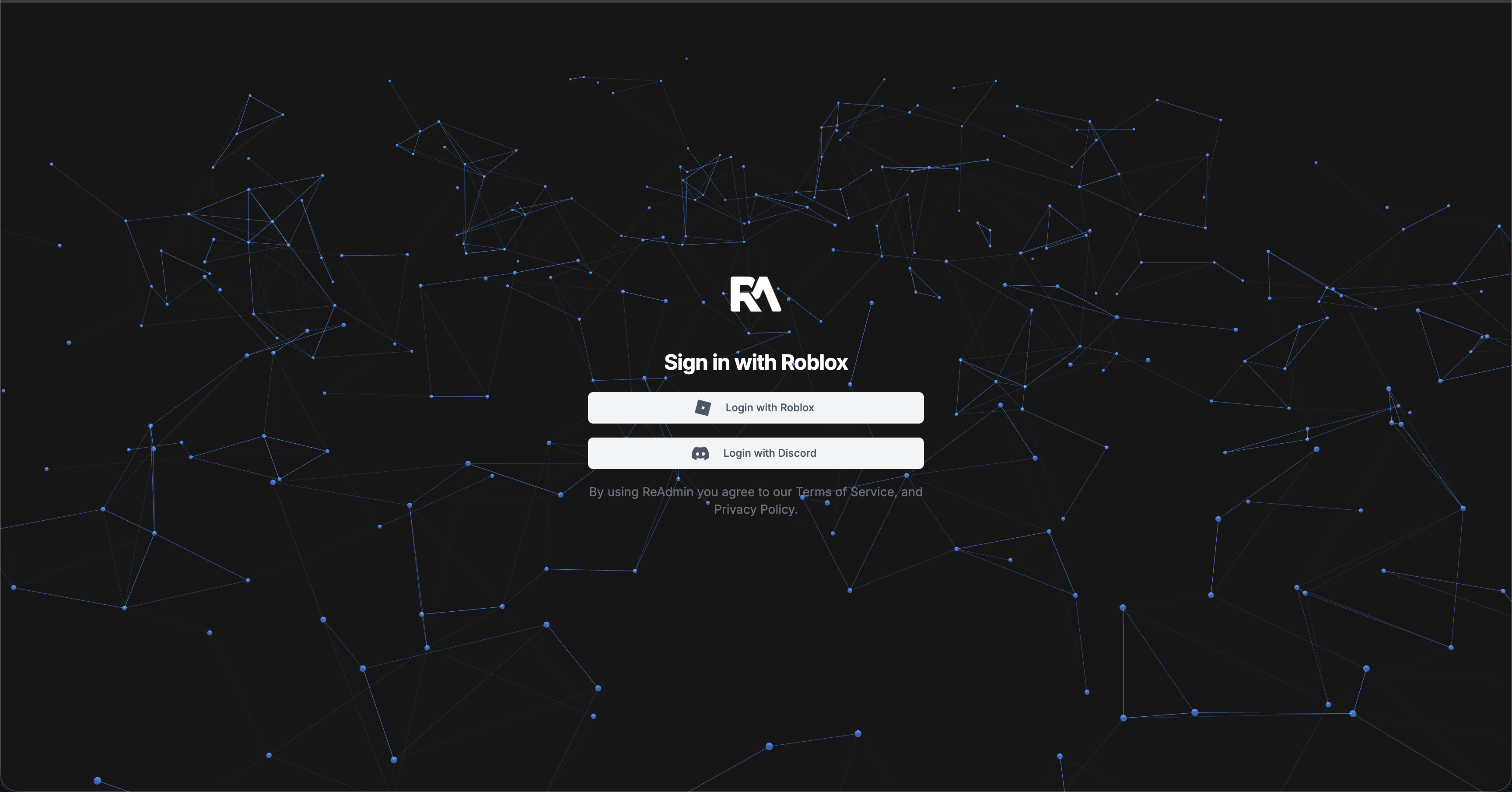 3. Once redirected, you'll be redirected to our Roblox OAuth page. If you are not logged into Roblox, it will prompt you to login then redirect you to this page.
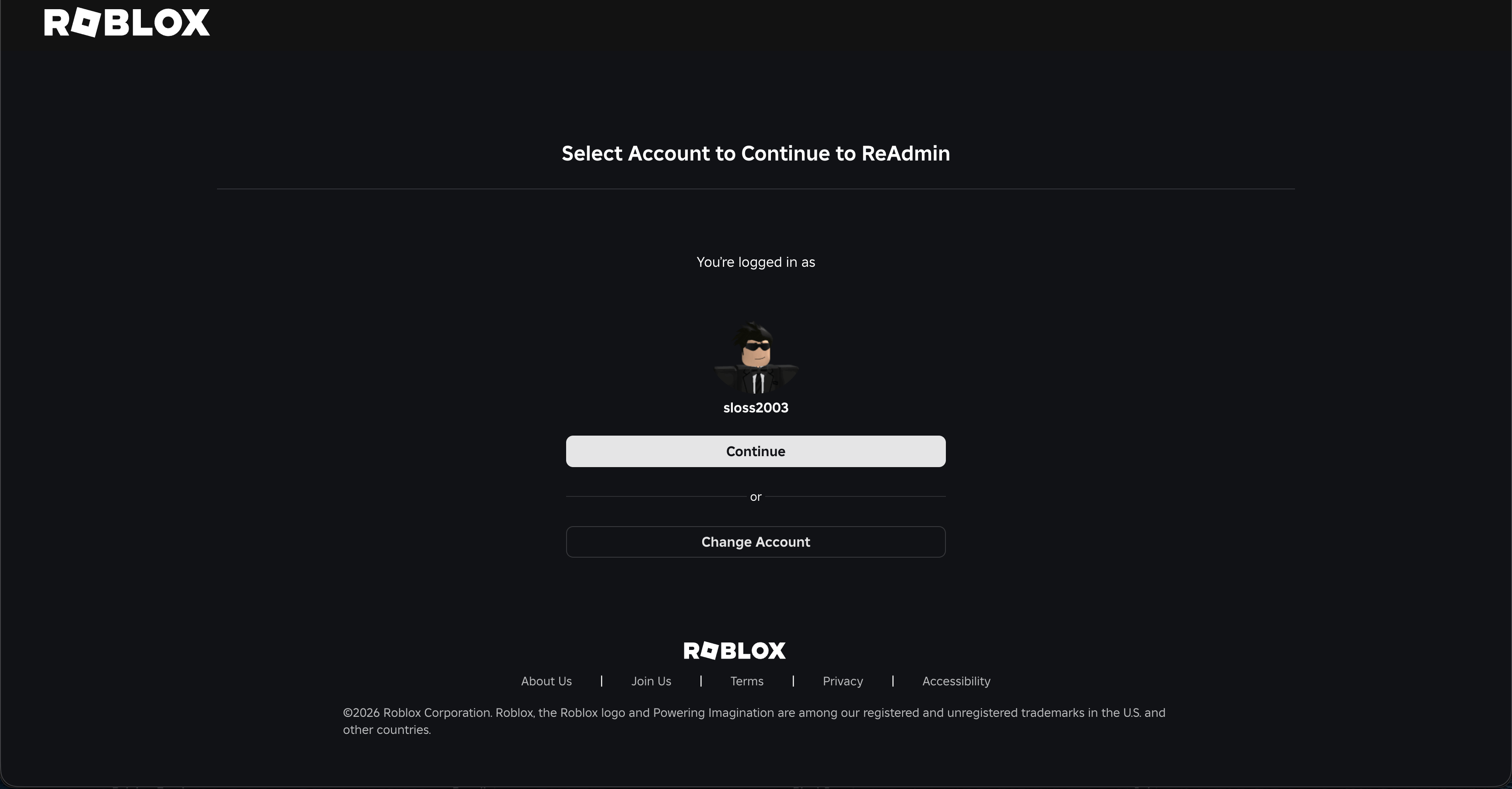 4. Once you're on this page, click the blue "Continue" button.
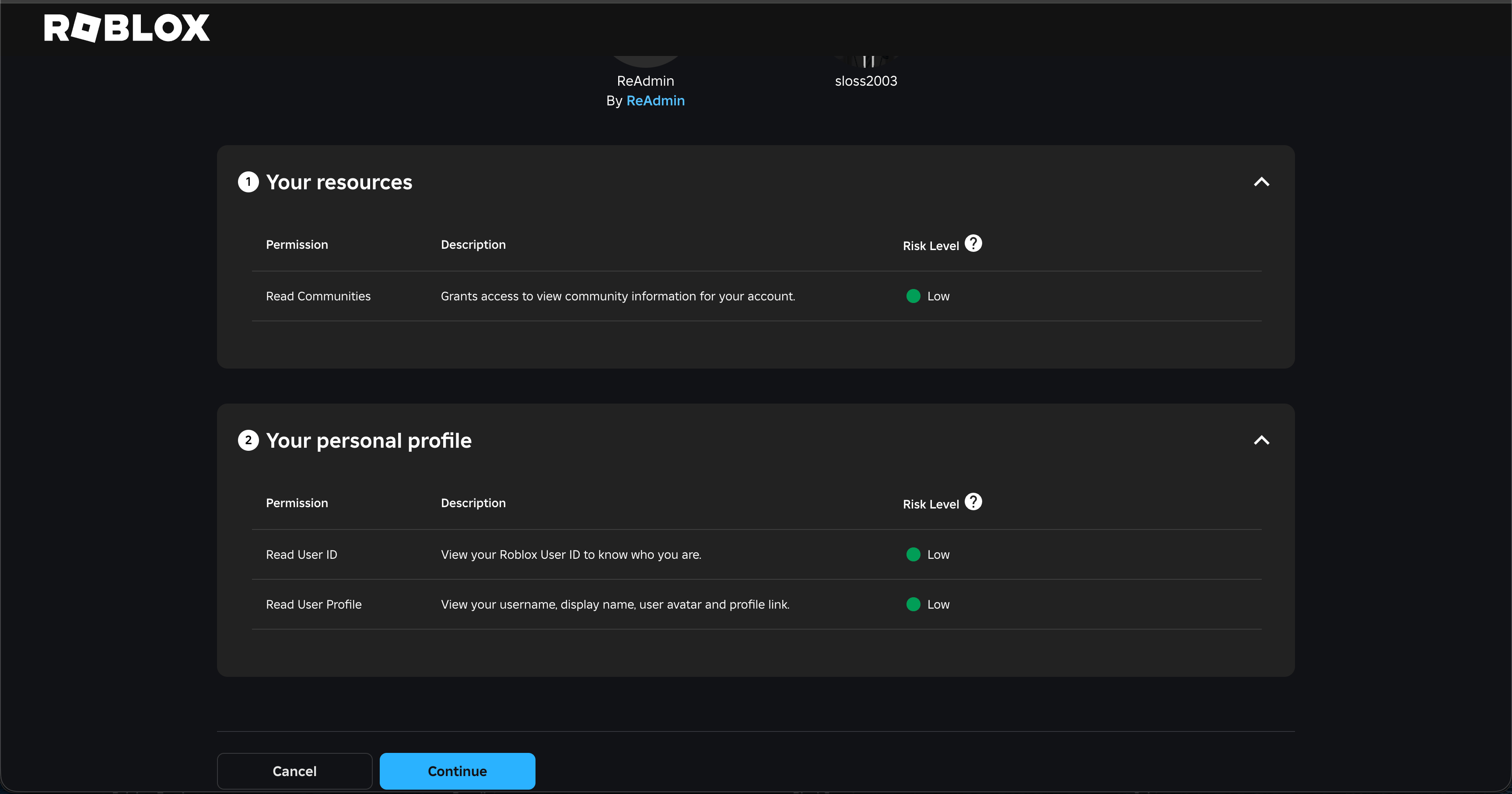 5. Now confirm you are okay linking ReAdmin with your Roblox account. After 3 seconds, the "CONFIRM AND GIVE ACCESS" button will turn blue like in the picture above. Click it once it turns blue, and then it will redirect you to ReAdmin.
 ## I got an error trying to create an account, what do I do?
If you get stuck at this screen, it means you are under age and not allowed to use ReAdmin.

## I got an error trying to create an account, what do I do?
If you get stuck at this screen, it means you are under age and not allowed to use ReAdmin.
