> ## Documentation Index
> Fetch the complete documentation index at: https://docs.readmin.app/llms.txt
> Use this file to discover all available pages before exploring further.
# Account Settings
> Manage your personal ReAdmin preferences, Discord connections, birthday, subscriptions, and sign-out.
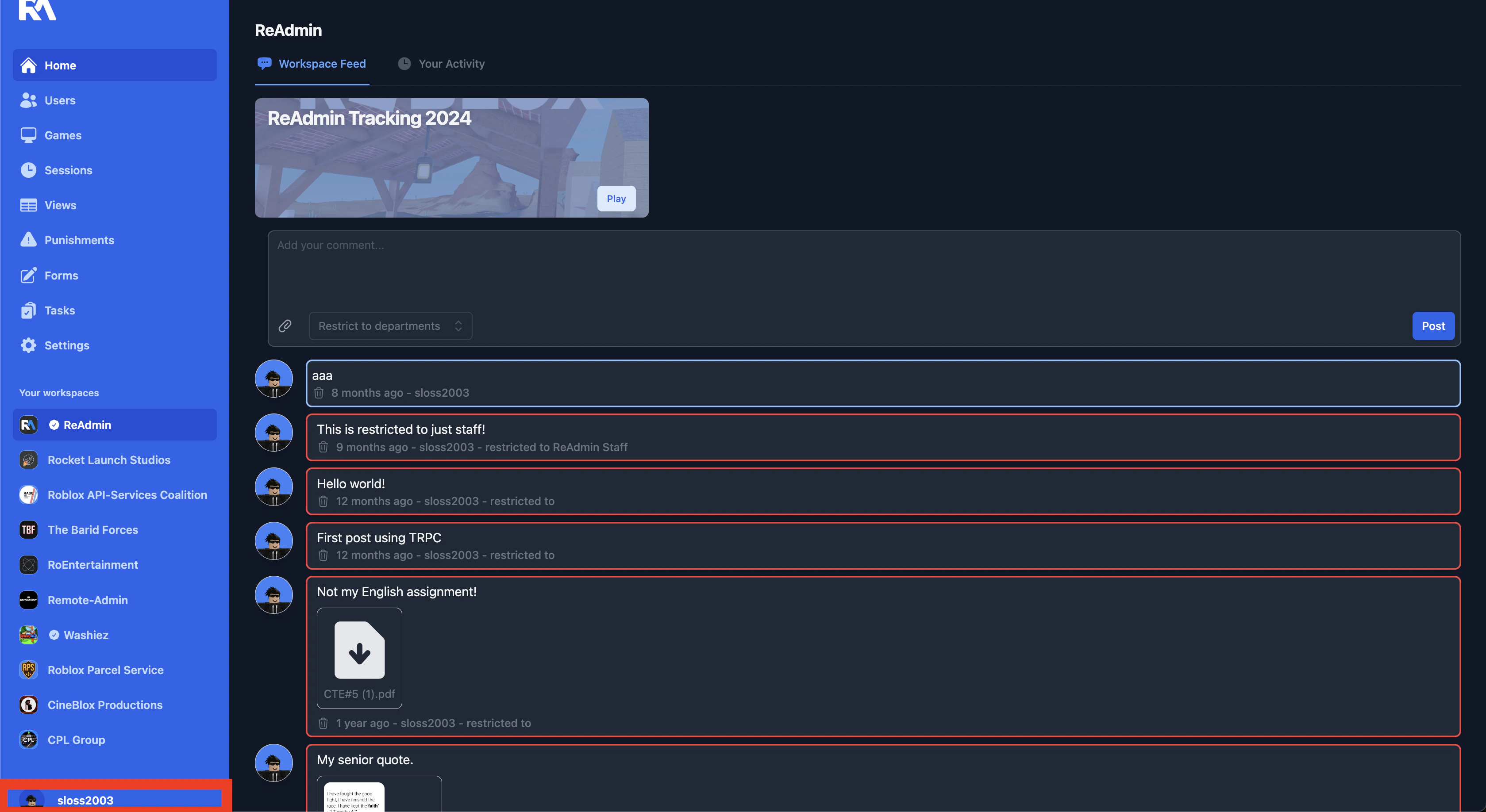
Your account settings control everything tied to *you* personally — not your
workspace. Open them by clicking your profile picture in the navigation bar and
choosing **Settings**.
 ## Account Preferences
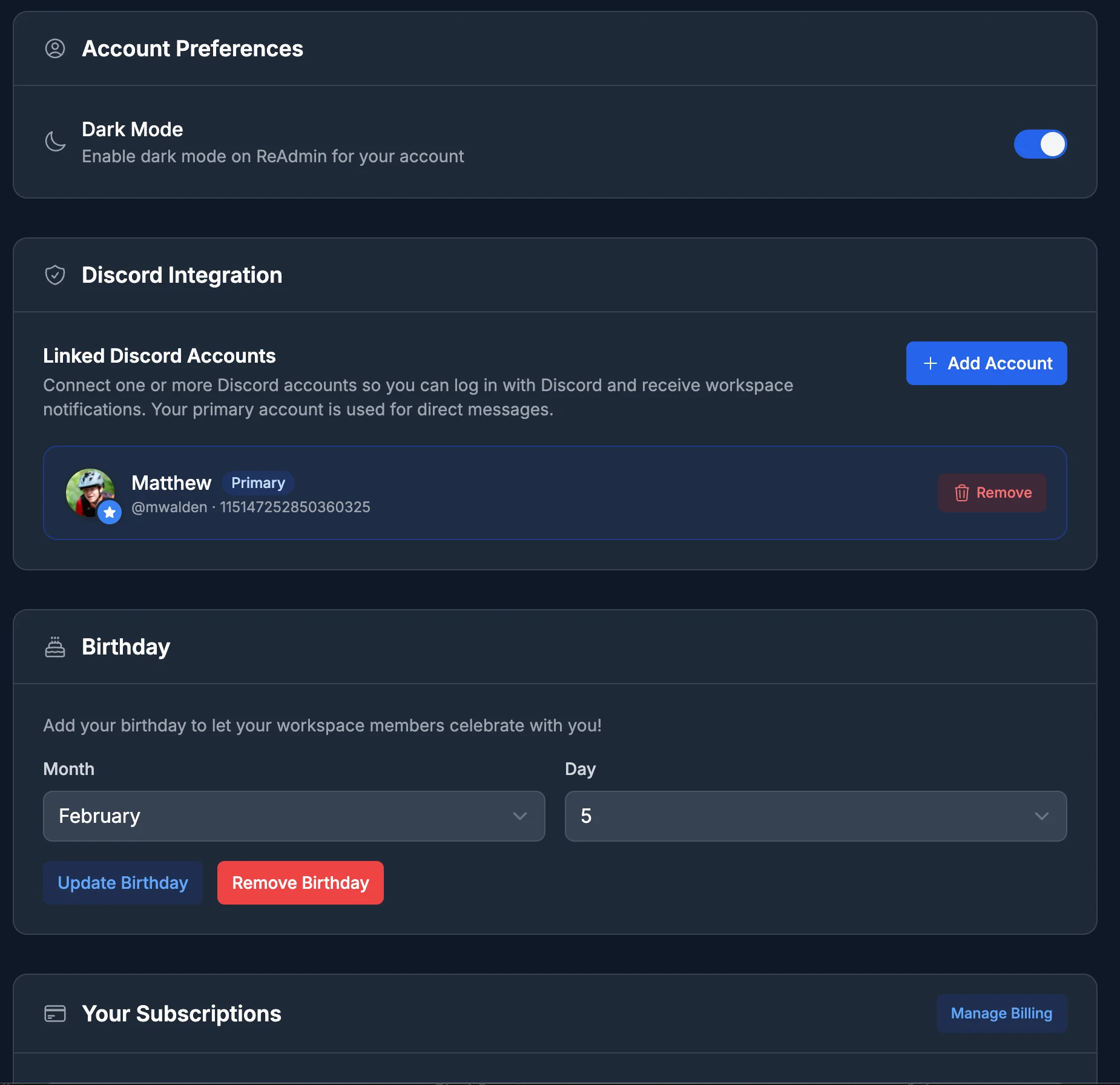
### Dark Mode
Toggle dark mode on or off for your account. Your choice is saved to your profile
and follows you to every device you sign in on.
## Discord Integration
Link one or more Discord accounts to your ReAdmin profile, then pick which one is
your **primary** account. ReAdmin uses your primary Discord account for
notifications and any Discord-based automations your workspaces have set up.
## Birthday
Add your birthday (month and day) so your workspace members can celebrate with
you. You can update it any time, or remove it to take it back off your profile.
## Your Subscriptions
See every workspace subscription tied to your account in one place, including each
plan's status and next billing date. From here you can:
* **Manage Billing** — open the secure billing portal to update payment methods
and view invoices.
* **Cancel** a subscription, or **Uncancel** one that's scheduled to end, per
workspace.
Billing changes here affect the subscriptions you personally pay for. For
workspace-level plan details, see [Billing](/settings/billing).
## Account Actions
### Sign Out
Sign out of your ReAdmin account on the current device. This clears your local
session and returns you to the ReAdmin home page.
## Account Preferences
### Dark Mode
Toggle dark mode on or off for your account. Your choice is saved to your profile
and follows you to every device you sign in on.
## Discord Integration
Link one or more Discord accounts to your ReAdmin profile, then pick which one is
your **primary** account. ReAdmin uses your primary Discord account for
notifications and any Discord-based automations your workspaces have set up.
## Birthday
Add your birthday (month and day) so your workspace members can celebrate with
you. You can update it any time, or remove it to take it back off your profile.
## Your Subscriptions
See every workspace subscription tied to your account in one place, including each
plan's status and next billing date. From here you can:
* **Manage Billing** — open the secure billing portal to update payment methods
and view invoices.
* **Cancel** a subscription, or **Uncancel** one that's scheduled to end, per
workspace.
Billing changes here affect the subscriptions you personally pay for. For
workspace-level plan details, see [Billing](/settings/billing).
## Account Actions
### Sign Out
Sign out of your ReAdmin account on the current device. This clears your local
session and returns you to the ReAdmin home page.