> ## Documentation Index
> Fetch the complete documentation index at: https://docs.readmin.app/llms.txt
> Use this file to discover all available pages before exploring further.
# How to access API Keys for ReAdmin
> Learn how to use to unlock automations using ReAdmin
## Loader ID
Your loader ID can be found on your workspace [downloads](/settings/downloads) page.
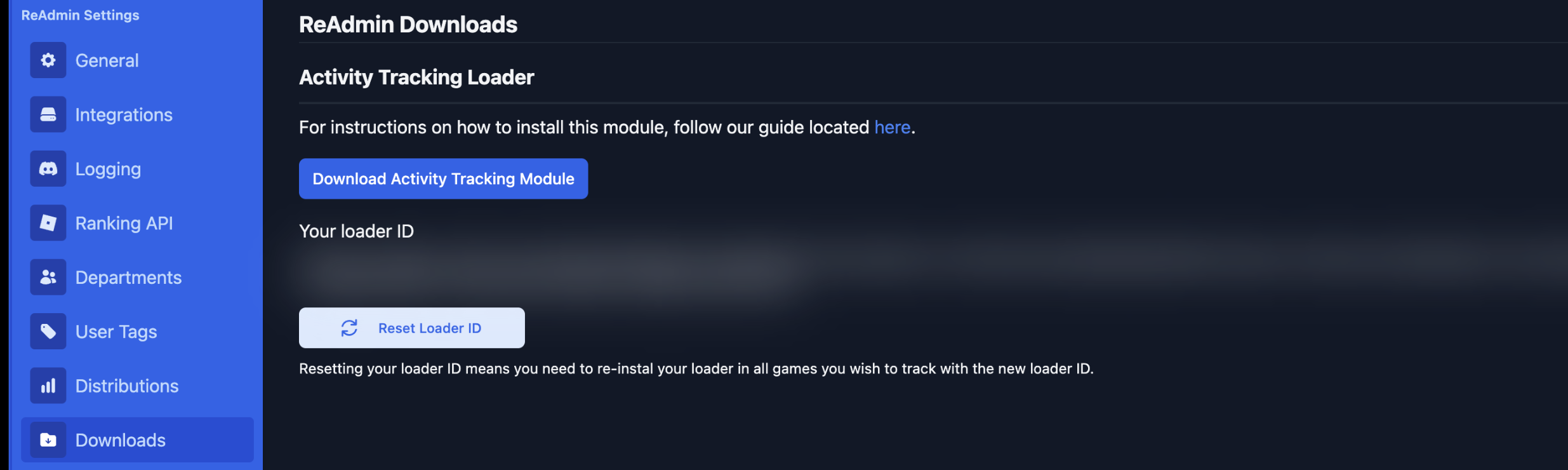 In the location of this image that is blurred, you will be able to find your workspaces loader ID. This is the ID that you will use to authenticate with the ReAdmin API.
The header you will need to use for your loader ID is `loader-id`.
## Ranking Key
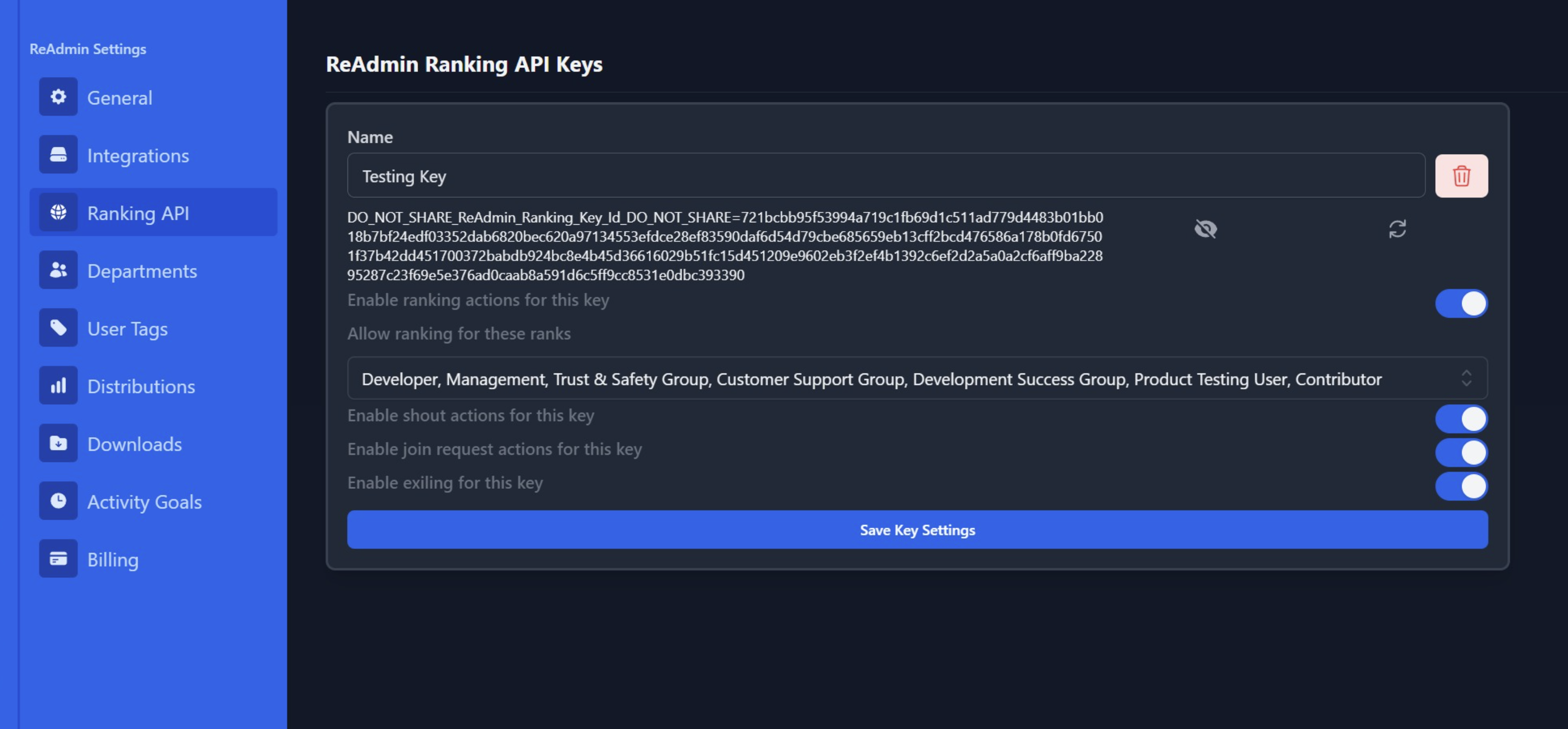
When authenticating for any `/ranking/` APIs you must provide the `api-key` header. This header is unique to the [ranking key](/settings/ranking-api) you want to use.
Provide your loader ID, including the `DO_NOT_SHARE` within the `api-key` header.
In the location of this image that is blurred, you will be able to find your workspaces loader ID. This is the ID that you will use to authenticate with the ReAdmin API.
The header you will need to use for your loader ID is `loader-id`.
## Ranking Key
When authenticating for any `/ranking/` APIs you must provide the `api-key` header. This header is unique to the [ranking key](/settings/ranking-api) you want to use.
Provide your loader ID, including the `DO_NOT_SHARE` within the `api-key` header.